Leads
Leads are prospects that are not yet real deals. They live in their own inbox so that unqualified interest does not clutter the pipeline.
/leads is the list; /leads/[leadId] is one lead.
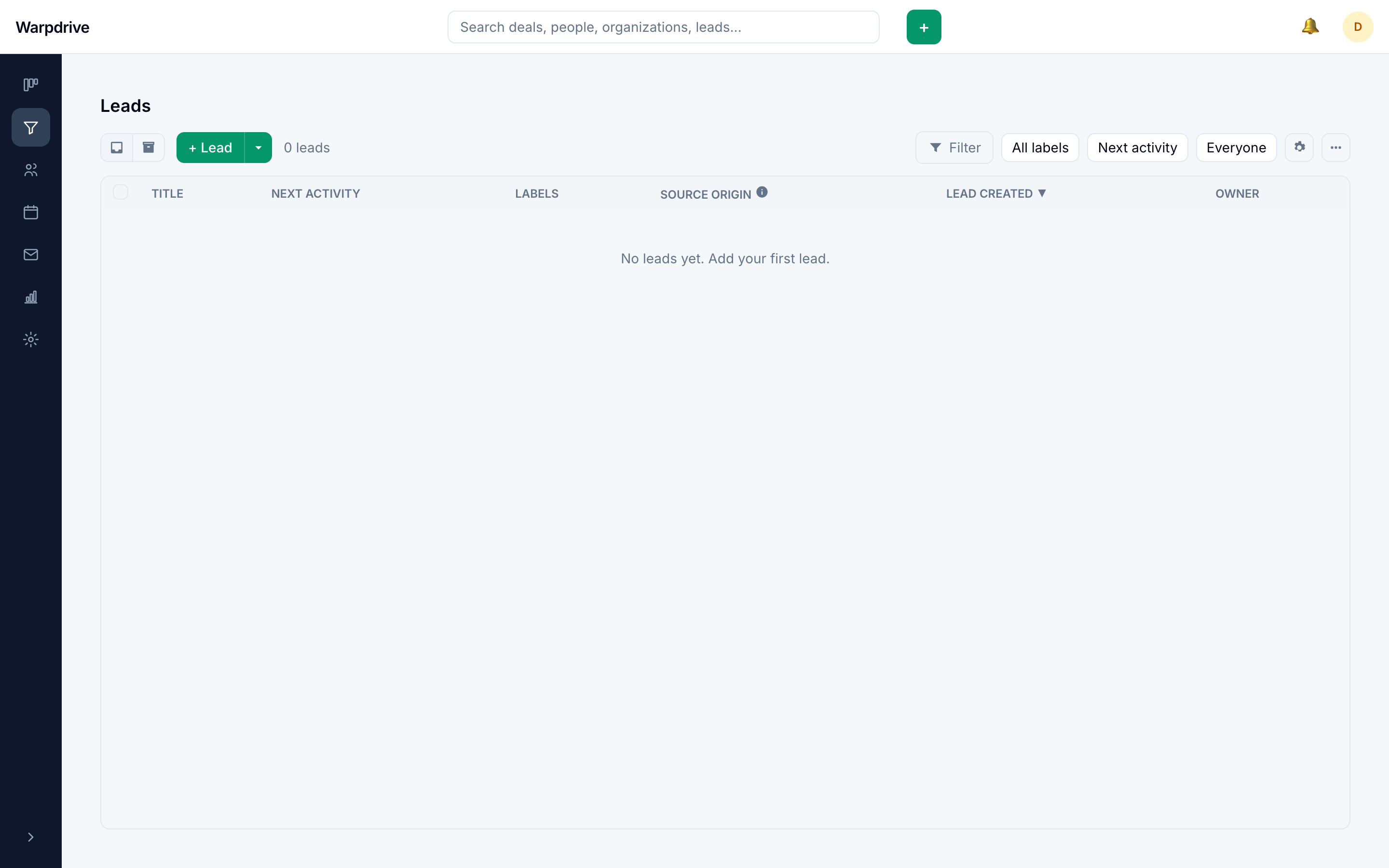
Opening a lead from the list shows it in a slide-over panel over the list rather than navigating away.
What a lead holds
A lead has a title, an optional value, a source, and links to a person and an organization. Labels and owners work as they do on deals.
Leads also take custom fields. They appear in the Add lead dialog, in the detail sidebar, and as column choices in the leads list, and they can be mapped during import. See Data fields.
Working the list
The leads list can be filtered and sorted, and the action bar's more-actions menu exports the current filtered result as CSV. Select rows to change the owner or labels in bulk, convert them to deals, archive or restore them, or delete them. Each row's actions menu offers the same, one lead at a time: Convert to deal, Archive (or Restore on archived leads), and Delete.
The Add lead split button also holds Import leads for people with the import permission. It imports Pipedrive lead exports; see Migrating from Pipedrive.
Linking to contacts
A lead links to a person and an organization. On import, those links are resolved find-or-create, so a lead for an existing company attaches to that company rather than creating a duplicate.
Converting
Converting a lead creates a deal from it, carrying across its value, contacts, labels, and custom fields, and takes the lead out of the active list. If the deal side has fields to fill in, the convert dialog asks for them first.
The lead's history comes along too: its notes are copied onto the deal with their authors and original dates, all of its activities are copied onto the deal (completed ones keep their done state and time), and its email threads show on both records. Intercom support conversations for the lead's person appear in the lead's history when Intercom is configured; see Intercom. The archived lead keeps its own copy, so the trail survives on both sides.
Conversion is the point at which something enters the pipeline, which is what keeps pipeline totals meaningful.
Archiving
Leads that go nowhere are archived rather than deleted, so the record of having tried survives. Archived leads are excluded from the active list.
Visibility
Leads follow the same visibility model as other records. See Visibility groups.