Warpdrive connects to Gmail over OAuth so that mail sent and received about a deal shows up on the deal, without anyone copying and pasting.
Each user connects their own mailbox. See Email sync for connecting one.
The Inbox
/inbox lists the threads in your connected mailbox, and /inbox/[threadId] opens
one.
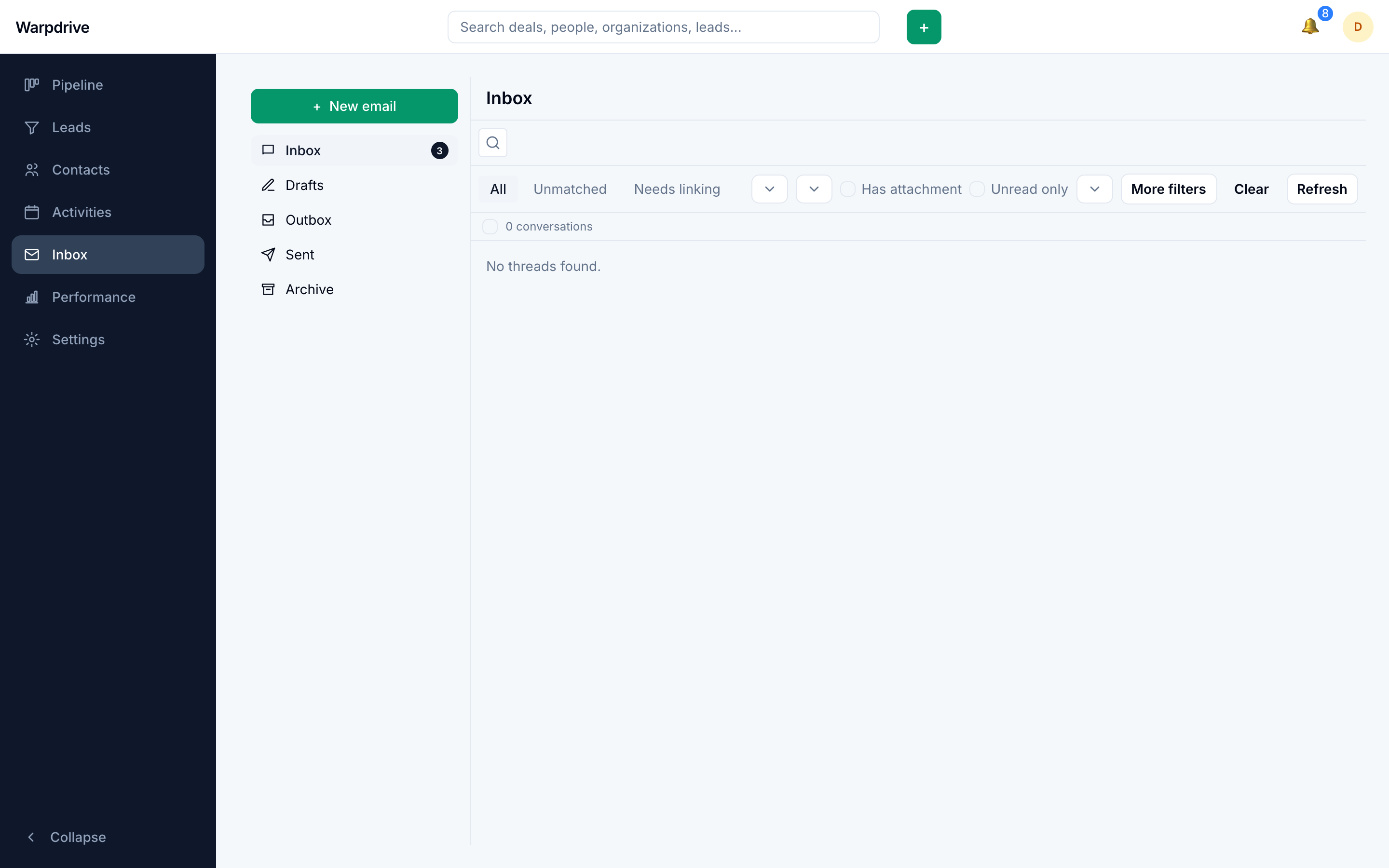
The Inbox folder is personal. It shows only your own mail. Colleagues do not see your inbox, and you do not see theirs.
Shared visibility happens on the record: a thread linked to a deal or a contact appears on that deal or contact for everyone who can see it. If you want a colleague to see a conversation, link it to the record, not forward it.
How sync works
Connecting a mailbox stores Gmail's current history cursor and begins applying changes from that point forward.
There is no backfill. Mail already in the mailbox before you connect it is not imported. Only messages that arrive afterwards are synced.
Sync then polls Gmail's history, pages through the changes, and advances the cursor only once every page has been applied. It processes added messages and Trash and Spam transitions, rather than reconciling every Gmail label, so mail Gmail marks as spam stays out of the Warpdrive Inbox.
Sync runs in the background worker process. If mail stops arriving in Warpdrive but still arrives in Gmail, an absent worker is the first thing to check.
When a mailbox disconnects itself
If Google rejects the stored credentials outright (an invalid_grant response),
Warpdrive disconnects the mailbox and discards the token, because the grant will not
recover on its own. Transient network failures and decryption errors do not
disconnect it.
Disconnecting is soft in both cases: the account row and everything already synced are kept, so reconnecting picks up where it left off.
How threads link to records
Linking is recorded on the thread, not on individual messages, so a whole conversation belongs to a deal or a person rather than message by message.
The direction determines what is matched:
- Inbound messages match on the sender address.
- Outbound messages match on the recipient address.
A thread can be linked to a person, a deal, or both.
On the record itself, linked mail appears as cards in the timeline, one per message, interleaved with activities and notes. See Deal workspace for how they behave.
Composing
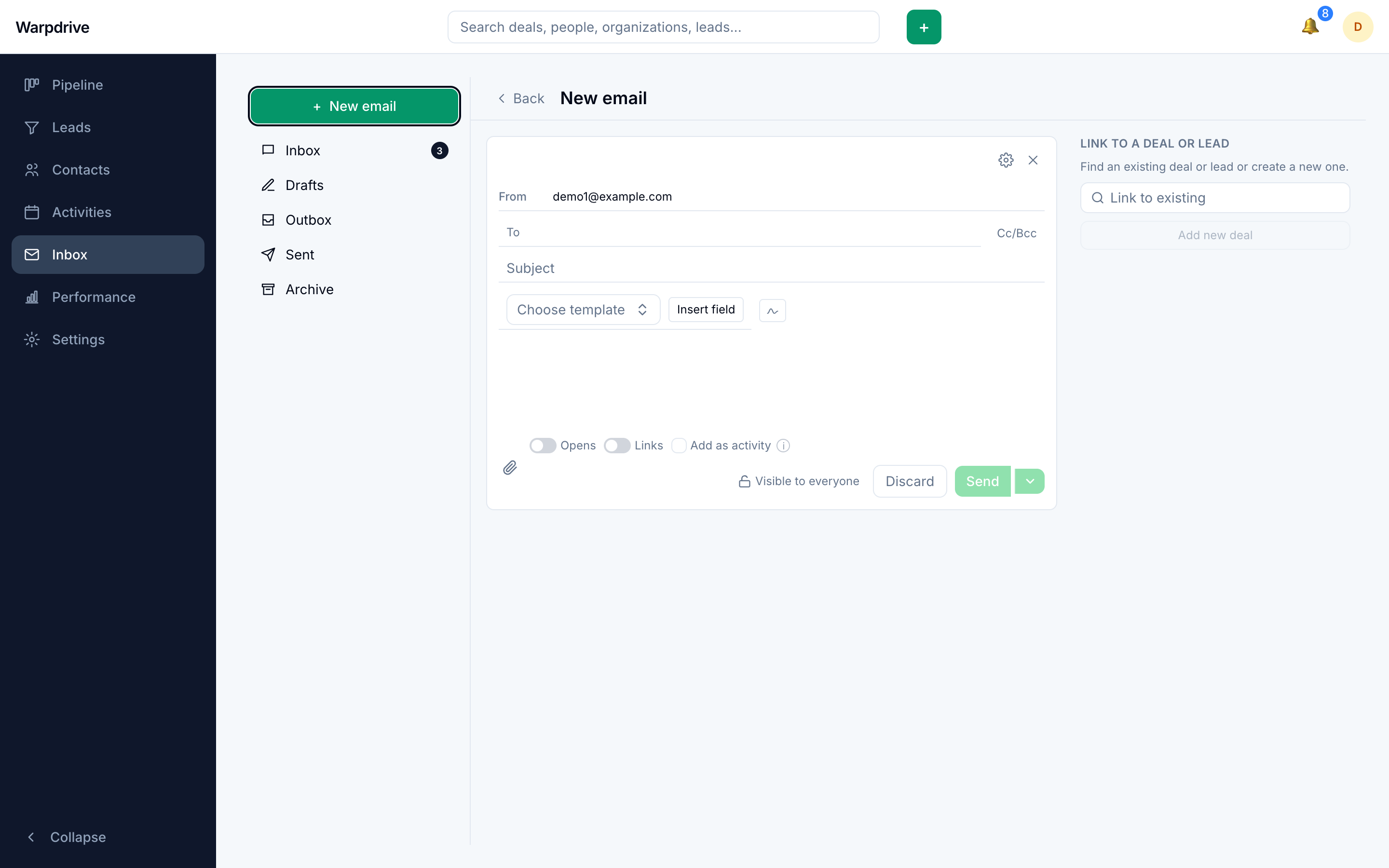
/inbox/compose opens a full-page composer, and the same composer is available in
place on a deal or a contact.
Merge fields
A message body can contain {{token}} placeholders that are substituted at send time
from the linked records, covering person, deal, and organization fields.
Substitution happens server side, at send. What you see in the composer is the
token; what the recipient receives is the value. Anything written as literal text, for
example [NAME], is sent exactly as typed and is not a merge field.
Drafts
Drafts persist, including their visibility setting, so resuming a private draft keeps it private.
A draft also remembers the deal or person it was written for. A message started from a deal's Email tab keeps that link across autosave and resume, the deal shows your own unsent drafts next to its sent mail, and sending files the message on that record. Drafts stay private to their author: unsent text in your mailbox is not a colleague's business.
Logging as an activity
The composer's Add as activity toggle logs the sent message as a completed activity on the linked record, so sent mail counts as done work on the Performance page rather than piling up as open to-dos.
Scheduled send
A message can be scheduled instead of sent immediately. Scheduled sends are performed later by the background worker.
Open tracking
Outbound messages can be tracked, recording when a recipient opens them.
Signatures
A signature is embedded into the body when a new message is composed, rather than appended at send. Resuming a draft therefore does not add it a second time.
Permissions and visibility
Mail is subject to the same visibility rules as the record it is linked to. Linking a thread to a deal makes it visible to everyone who can see that deal.
Related
- Email sync, for connecting and troubleshooting a mailbox.
- Deal workspace, where deal threads appear.
- Contacts, where person threads appear.